Are you trying to log in to WhatsApp but cannot do so because of bad network to receive OTP verification or because you do not have access to the SIM used to register your WhatsApp anymore?
Worry no more in this post, i am going to be showing you how to login and access your WhatsApp account without the SIM used to register, instead you will be using your email or any other email to access it and login.

WhatsApp Verifications and why it’s needed?
WhatsApp verification is important and needed to confirm your identity as the true owner of the account you are trying to login in to or access. Previously there is only one way WhatsApp can confirm if you are truly the owner, which is the old method “SMS verification”.
But recently “Meta WhatsApp” rolled out a new update to the users of WhatsApp to have an additional option of doing this verification which is the email verification, that requires you to link your personal email address to get OTP for login verifications instead of “SMS OTP verifications”.
Related posts; How to send clear HD pictures on WhatsApp to anyone or your statues
How to link your personal email address to your WhatsApp
Follow this steps to learn how to link and add your email address to WhatsApp, to be able to receive verifications code and OTP from it.
- Open your WhatsApp before logging out or losing access to the account
- Goto the menu and click on settings
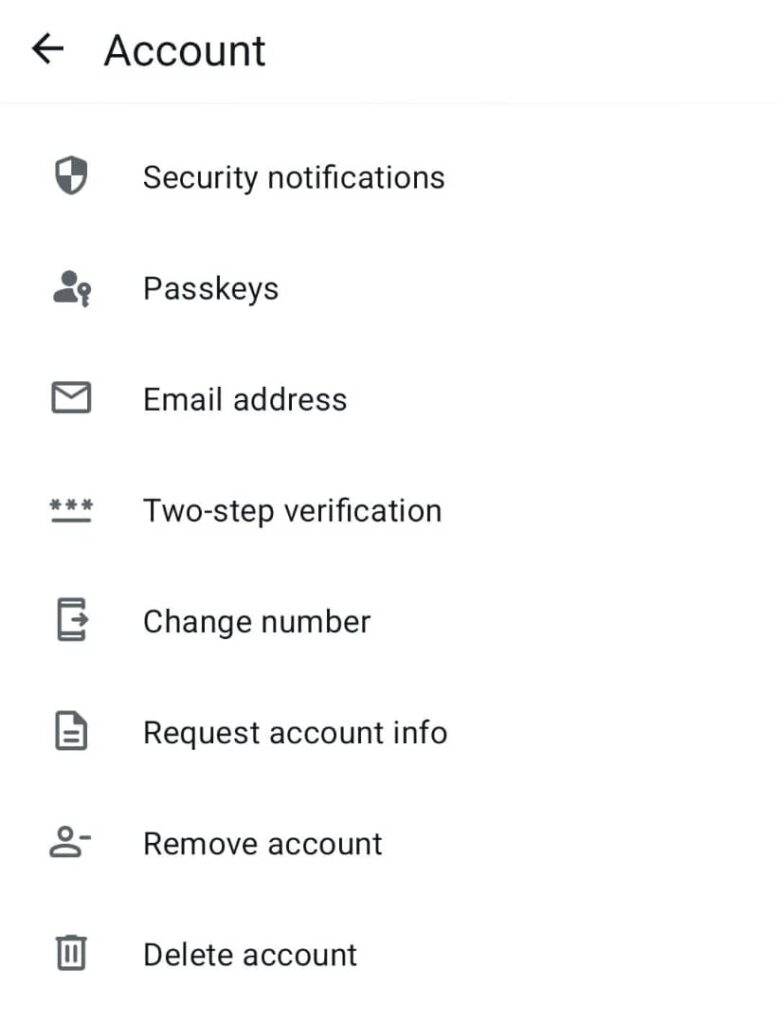
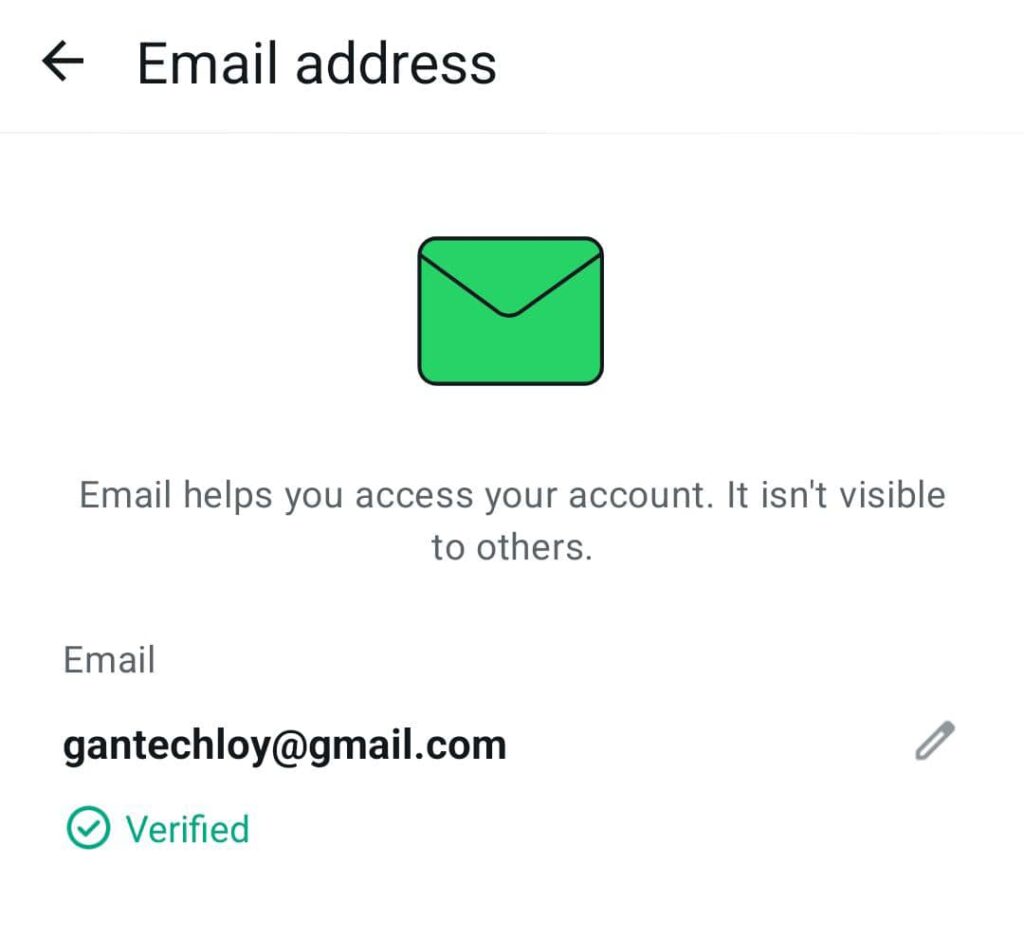
- Tap account, then select email address
- input the email you want to link
- Enter the OTP sent to the email to confirm the linkage
- congrats, your email address is ready to receive OTP for verifications
How to login into WhatsApp with the linked email address instead of Mobile Number (SMS)
Here is how you can login and access your WhatsApp account with the email address you linked with it, even when you have lost your SIM or you are not receiving OTP from your network provider:
- When you are logout of WhatsApp and cant receive OTP code for logging to your account on your mobile sim, but you have linked your email to your account before logging out
- Click on request for OTP verification code
- GOTO your linked email address and check for the OTP code sent to it
- Go back to WhatsApp and input it
- Congrats, you have successfully login back to your account with “SMS verification OTP”
Frequently Asked Questions
-
Can i Link more than one email to my WhatsApp account
No, only one email is allowed to be linked for OTP verification
-
What if i lose access to my email & WhatsApp SIM Number
you have to find access to either one of the two to gain access back to your WhatsApp account
-
How many times can i receive OTP on my email
WhatsApp will send the OTP to your email, every time you request for it without delay
-
How long does it take to get the OTP
the OTP lands in your email almost immediately
-
Can i use one email for more than 1 WhatsApp account
Yes you can use one email to get OTP for multiple WhatsApp account
-
Is there another method for verification
No there is only two method, SMS and email verification
-
Is this option available for all device
No it work for only android, iphone, whatsapp software applications, not available on whatsapp web
Conclusion
By linking email to your WhatsApp account you will be able to login in to your account back anytime you want without worrying about failed delivery of otp verifications code, even when you lost the SIM used to register.
Hurry and try this out and let us know in the comment box how well it works for you.