You picked up your phone to make an urgent call and discovered that your MTN line / sim card stopped working all of a sudden because it has been barred by MTN.
Worry No more, This guide will show you how to unbar your MTN line faster with no need of going to queue at MTN office.
Many people in Nigeria have the same issue lately due to NIN linking problems, long periods of SIM inactivity, or blocked sim & invalid registrations.
The thing is, you don’t have to visit an MTN office or stand in any long queue. In this post, I’ll show you a simple and working method to unbar your MTN line online in just a few minutes, it’s what have been working for many others in 2025.
What Can Cause Your MTN Sim card to Get Barred?
Before we discuss how to unbar your MTN line, it’s crucial to know why it was barred in the first place. There could be different reasons, like maybe you didn’t link your NIN properly, or you haven’t used your SIM in a while.
Sometimes it is the wrong detail you used during registration. The good thing is, once you discover why your line was barred, fixing it will be easier.
How To Know If Your MTN Line Is Barred
Sometimes, when you cannot browse with your line or make calls, it doesn’t mean there is a network issue. Not every network problem means your SIM is barred, sometimes it’s a poor signal.
However, when your MTN line is barred, there will be indications telling you that something is not right. Before you learn how to unbar your MTN line, you have to be very sure it is barred.
Here are some clear ways to know if your line has been barred:
- You can’t call or receive calls at all.
- Your mobile data is not connected to the MTN network.
- Your SMS messages were not delivered.
- MTN is sending you a message saying you should update your SIM details.
- The only message you receive is “Not registered on the network.”
How To Unbar Your MTN Line / Sim Card (100% Working Method)
To unbar your MTN line is very simple: you don’t need to go to the MTN office or stay in queues. However, MTN allows its users to do everything online in a few minutes.
Follow these verified 100% working steps to learn how to unbar your MTN line or sim card and enjoy the browsing & calls you have missed:
- Step 1: Visit the MTN NIN Portal
Go to ninlinking.mtn.ng using your mobile phone and start your unbarring process.
- Step 2: Enter Your Phone Number and Email
When it opens, type in your MTN number and also a valid email address. You will receive an OTP (One-Time Password) immediately.
- Step 3: Verify Your OTP
Go to your email to copy the OTP sent to your email and paste the OTP you have copied—the code lasts for just 30 seconds. In case it expires, click “resend OTP.”
- Step 4: Input Your NIN
Once you get your NIN (National Identification Number), they will confirm if it matches your SIM.
- Alternatively you can Just use: USSD: Dial *785# or use the NIMC app to link your NIN, according to MTN Nigeria.
Tips To Avoid Your MTN Sim Card Getting Barred Again
Knowing how to unbar your MTN line, why your line is barred, and how to unbar your MTN line is a necessity for everyone. Here are some tips that will help make your line always active.
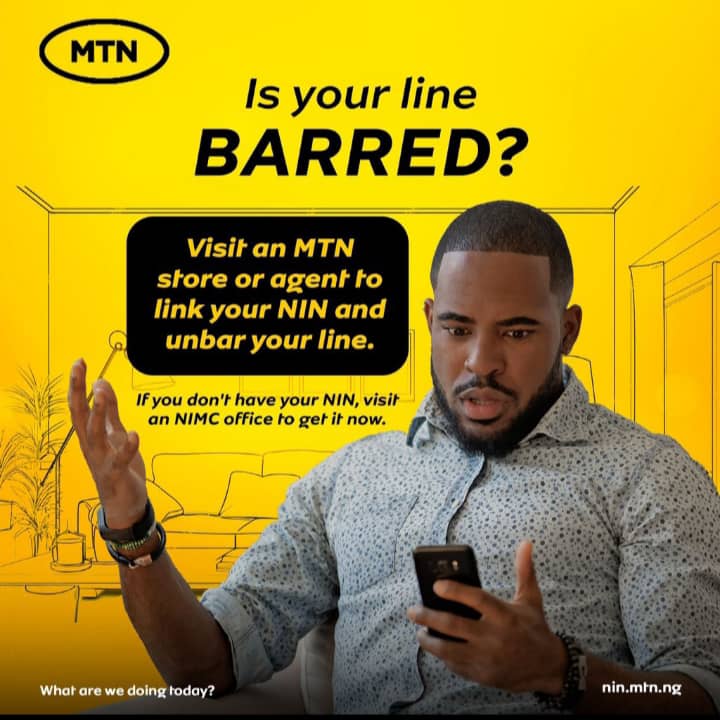
- Ensure that your NIN is linked to your MTN line, this is very important and also a sure way of avoiding your line being barred.
- Always use your SIM regularly.
- Reply to MTN messages when you’re asked to verify or update your NIN.
- Make sure your registration details are accurate.
- Try as much as possible not to exceed your credit limits often
- Pay up your borrowed credits on time and don’t ignore for too long
- Your SIM should be personal. Do not share with anyone else.
Read Also: How to link your NIN with MTN SIM: best working method
Frequently Asked Questions
Q: Can I unbar my MTN line without visiting the MTN office?
A: Yes, you can. Just follow the steps in this guide to unbar your MTN line online using the official NIN linking portal.
Q: How long does it take to unbar my MTN line?
A: It usually takes just a few minutes if your details are correct. You’ll get a confirmation once your NIN is successfully verified and linked.
Q: What if I forgot my NIN or it was lost?
A: Dial *346# with your phone to retrieve it. If that doesn’t work, visit the nearest NIMC center.
Q: My NIN is already linked but my line is still barred. What should I do?
A: Double-check that your registration details are correct. You can also visit MTN customer support.
Conclusion
Learning how to unbar your MTN line yourself is very important because knowing that your MTN line is barred can be so frustrating and sad, especially when it is urgent.
But the thing is, you can do this right at home without visiting an MTN office. By just following the steps mentioned in this post, you can unbar your line right from home. Yes, it is that simple.
Read Also: How to cancel MTN CallerTunez subscription – 100% Working
Make sure that your SIM is kept private; do not share it with anyone, and also do not forget to link your NIN properly.
If this guide on how to unbar your MTN sim card & line works for you, feel free to share this guide with someone who might need it also.