


Since having a CV and portfolio is one of criteria for employment, everyone is on the lookout for eye-catching CV and portfolio to stand out among other candidates who are applying for same jobs as you.
If you want to learn how to create one for yourself but don’t know how to? Then this article is for you.
In this article, you will learn How to use canva to build a professional CV and a portfolio website for yourself, to use for your job hunts applications. Continue reading to learn more.
Whats is Canva and how does it work?
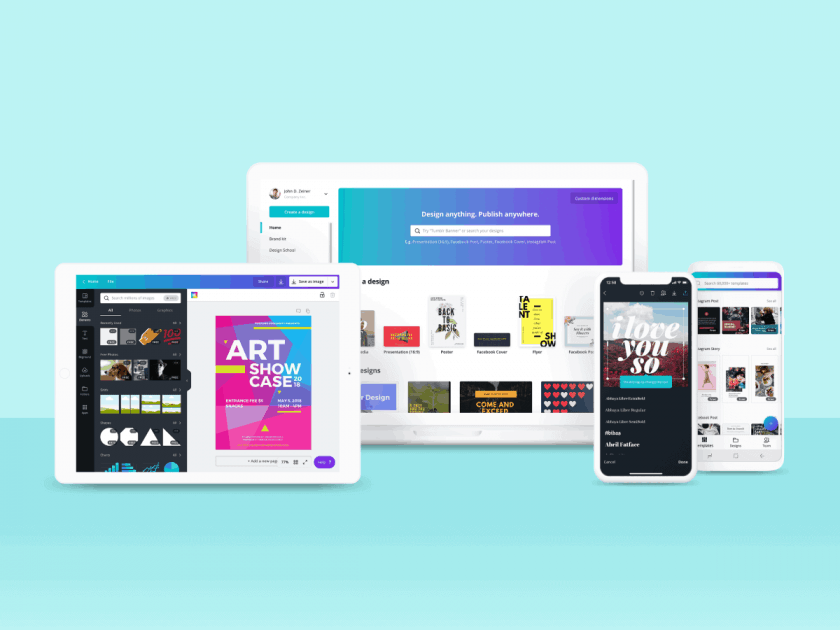
Canva is a free online web and app design software tools, created to create a graphics, text, Cv, Portfolio, flyers, PDF and words documents designs. it’s easy and free to use and it is available for everyone who have accesses to the internet or owns a mobile phone and laptops. You can click here to check it out.
How does Canva work?

Canva is easy to use and free, to use it for graphics or any other things such as cv, portfolio and document edits, and many more things. You need to download the app or software to your phone or computer, you can also access canva using thier official website link here.
How to use canva for Creating your cv & portfolio for free
Here is a detailed step-by-step guide on how to use Canva for building your professional new CV and Portfolio for free:
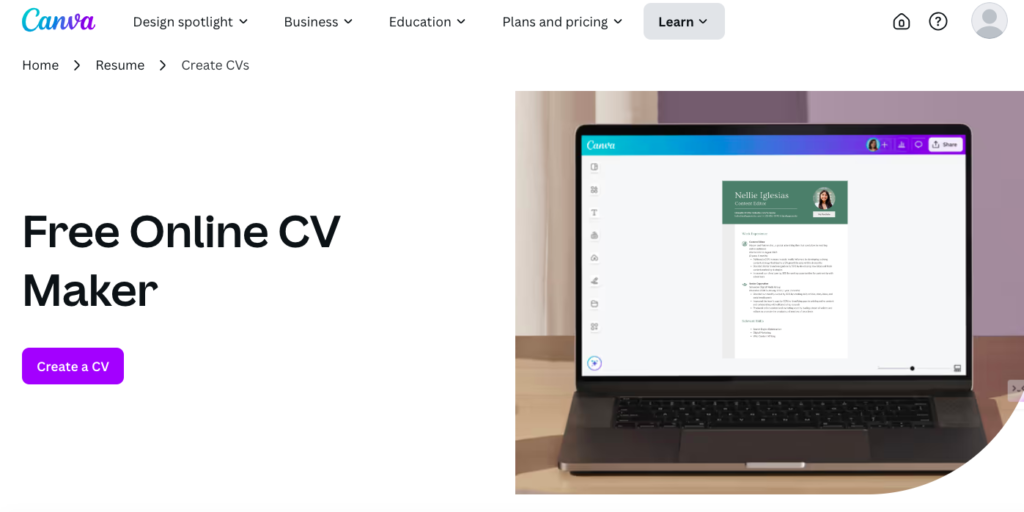
Step 1: Choose a template:
- Click on this link to access Canva CV and portfolio design page : canva.com/create/cv/
- if you have the app or software instead, open and search for CV and portfolio on the search bar
- the next step is to choose a template for your portfolio or CV, either of the two you want to be created
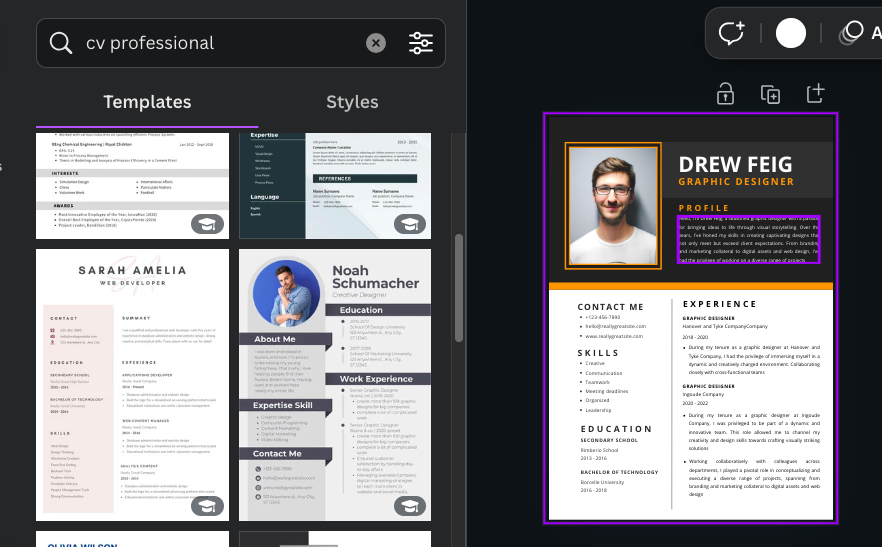
Canva has a wide range of templates that you can use, some have minimalist designs, some are colourful and some are creative. You can browse the template library by clicking on the “Templates” tab on the left side of the screen and select anyone you want.
Read Also: Top 10 Best Tech Skills to Learn Online To Start Making Money In Nigeria
Step 2: Customize the template:
After you have picked the template designs you want, the next step to take is to customize the template you picked with your own details and info, such as pictures, bio, experience, schools etc. You can even be more creative by changing the images style, colours, text, fonts to match your style.
To make any edit on the template simply click on the area or element you want to edit and use the editing tools available at the top bar and also the left side of the canva design screen.
Step 3: Add Links and Buttons:
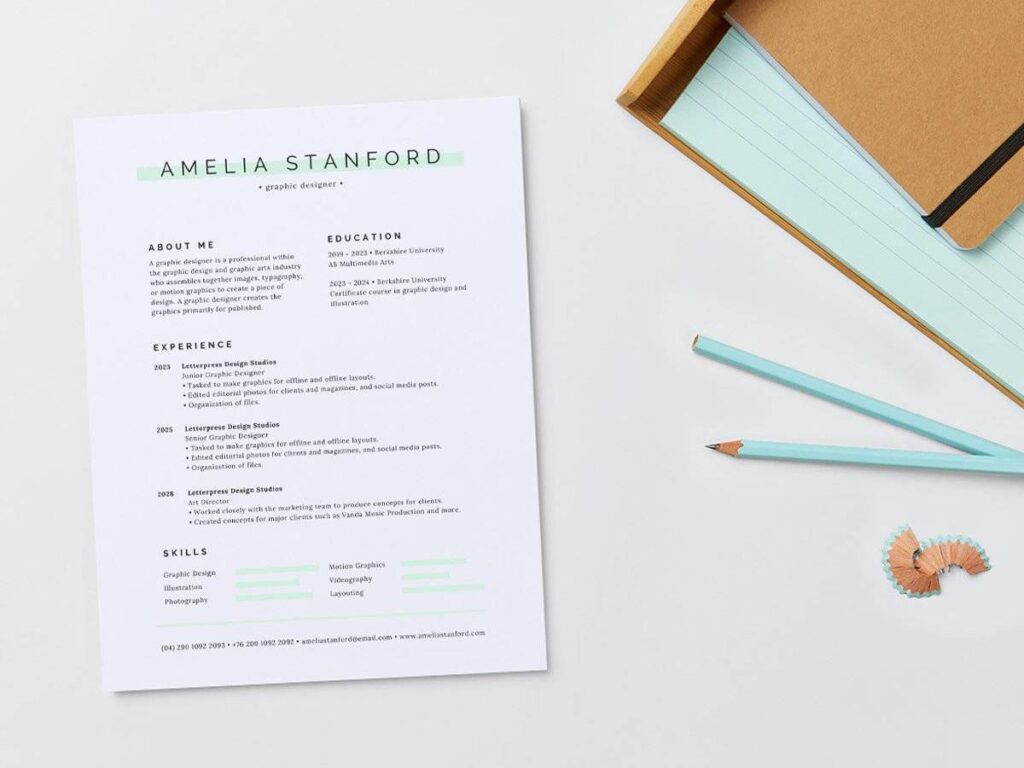
Canva allows you to add link to text and icons, which is a grate tool to utilize since you are using the same Canva to build your new portfolio, Here is a quick tip of how to use it:
- insert link to your phone numbers to make Hrs called you when they click on it
- Use link on your email to redirect people to send you email directly when clicked
- Insert link to your linkedin icon or text on cv and portfolio to take people to linkedin page when click
- Link your cv and portfolio together with links by saying (download my cv, download my portfolio with links or view insted)

Step 4: Edit and proofread:
Once you have confirm and edit your portfolio and cv to your taste, it’s essential to proofread it carefully. This will help you catch any errors or inconsistencies, and will ensure that your portfolio is professional and well-organized with the right infos.
Read Also: Where to Search & Get a Job as a Freelancer in Nigeria (2024)
Step 5: Download & Publish
Once you have filled in every thing needed for the portfolio and cv, then download and save it your device. Canva allows you to download your portfolio in different formats, such as PDF, Png, Jpg, Gif, Slides, Videos. You can also publish it online as a website.

How to Publish your cv and portfolio as a website page on canva
- After you have finalized your cv and portfolio building
- Click on the share button on Canva
- scroll down to see all the share options
- Select publish as a website or “website”
- Click on edit website URL to edit, replace it with your name
- Tap on publish settings to set website title and descriptions
- Then finally click on publish button to create the website for CV and portfolio
- Copy the link and test it on your phone
- now you can share it with anyone who need links to your CV or portfolio.
Conclusion
Using Canva to create your professional CV and portfolio is an upgrade for you to be ahead of other people who are looking for the same job as you. Because your CV is more advance and complete with a portfolio to back it up.
Have you tried creating yours yet? drop a comment in the box below.

